
Download Emrys Business Suite POS for your counter
Run faster checkouts, sync sales automatically, and manage your inventory offline. Professional software built for modern businesses.
*Requires Windows 10 or later (64-bit), Android 8.0 & macOS 12 Monterey or later
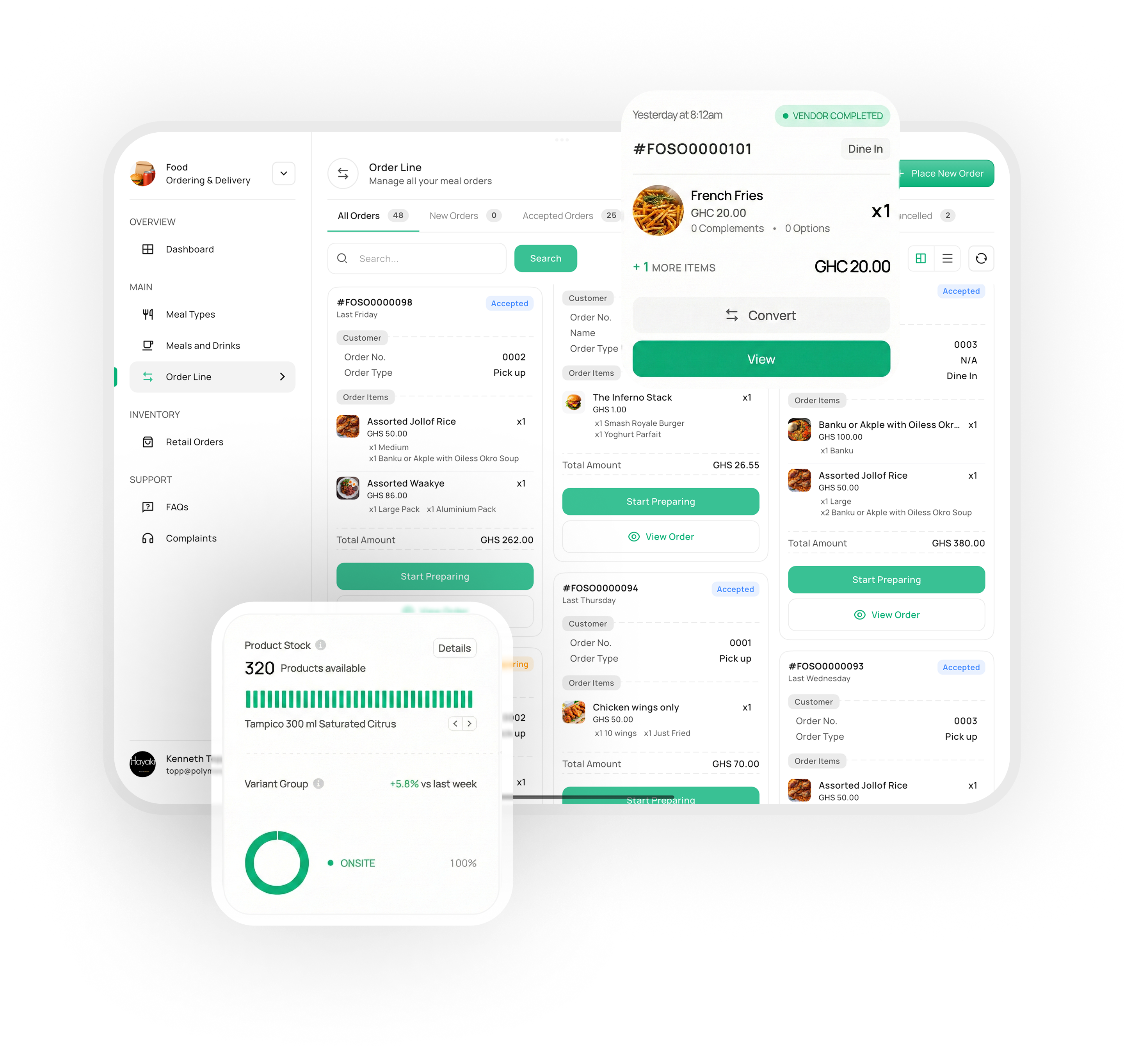
Offline-first checkout
Keep serving customers even when the internet goes down. Sales sync immediately once you are back online.
Auto-sync dashboard
All sales, inventory changes, and customer updates are pushed to your central dashboard in real-time.
Split Service Billing Support
Handle multiple services in one visit with separate transactions for clear tracking and individual payments.
How to start using Emrys Business Suite POS
Get your business counter-ready in 3 simple steps
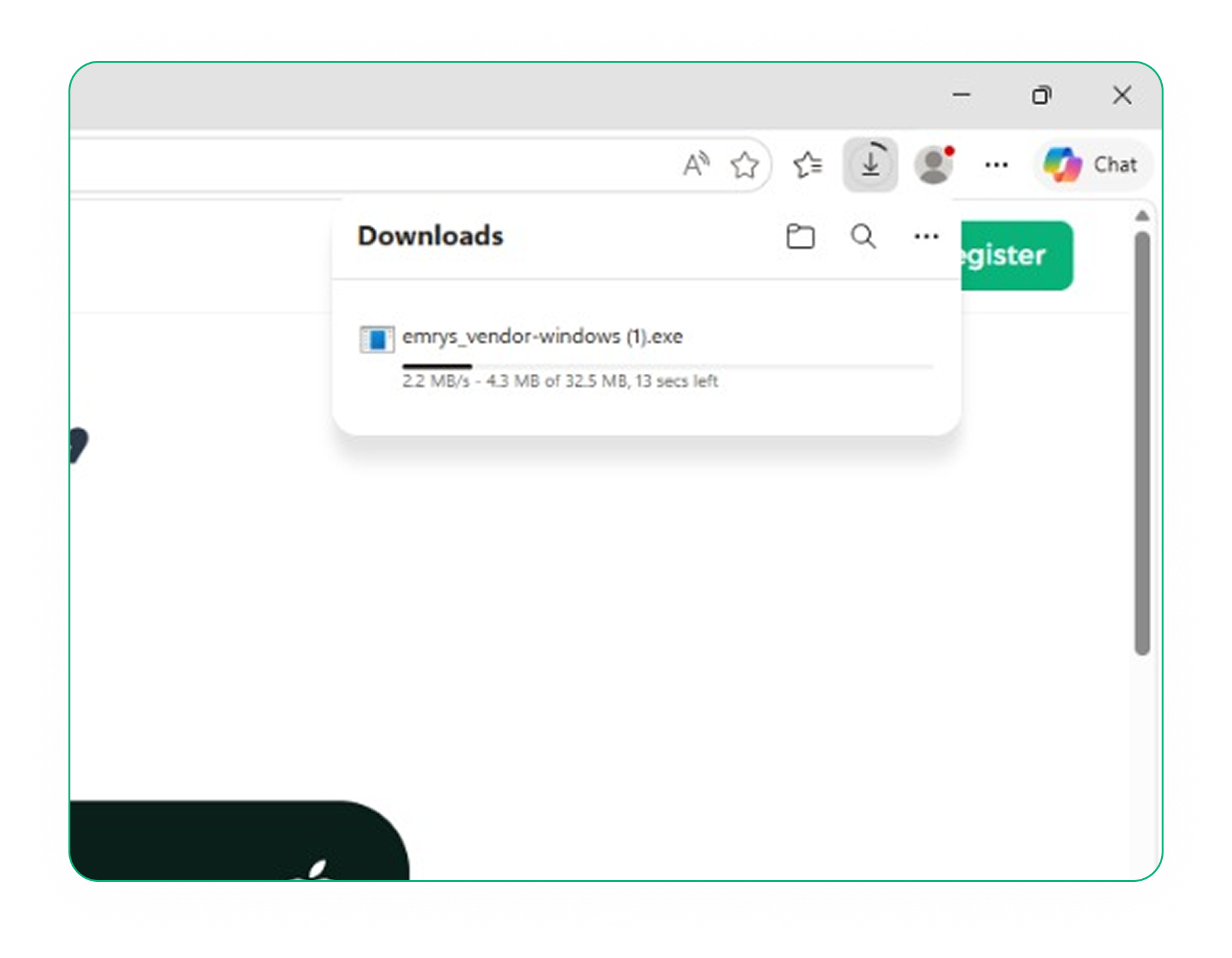
Download the installer
Choose the version for your operating system and click the download button. The installer will be saved to your computer.
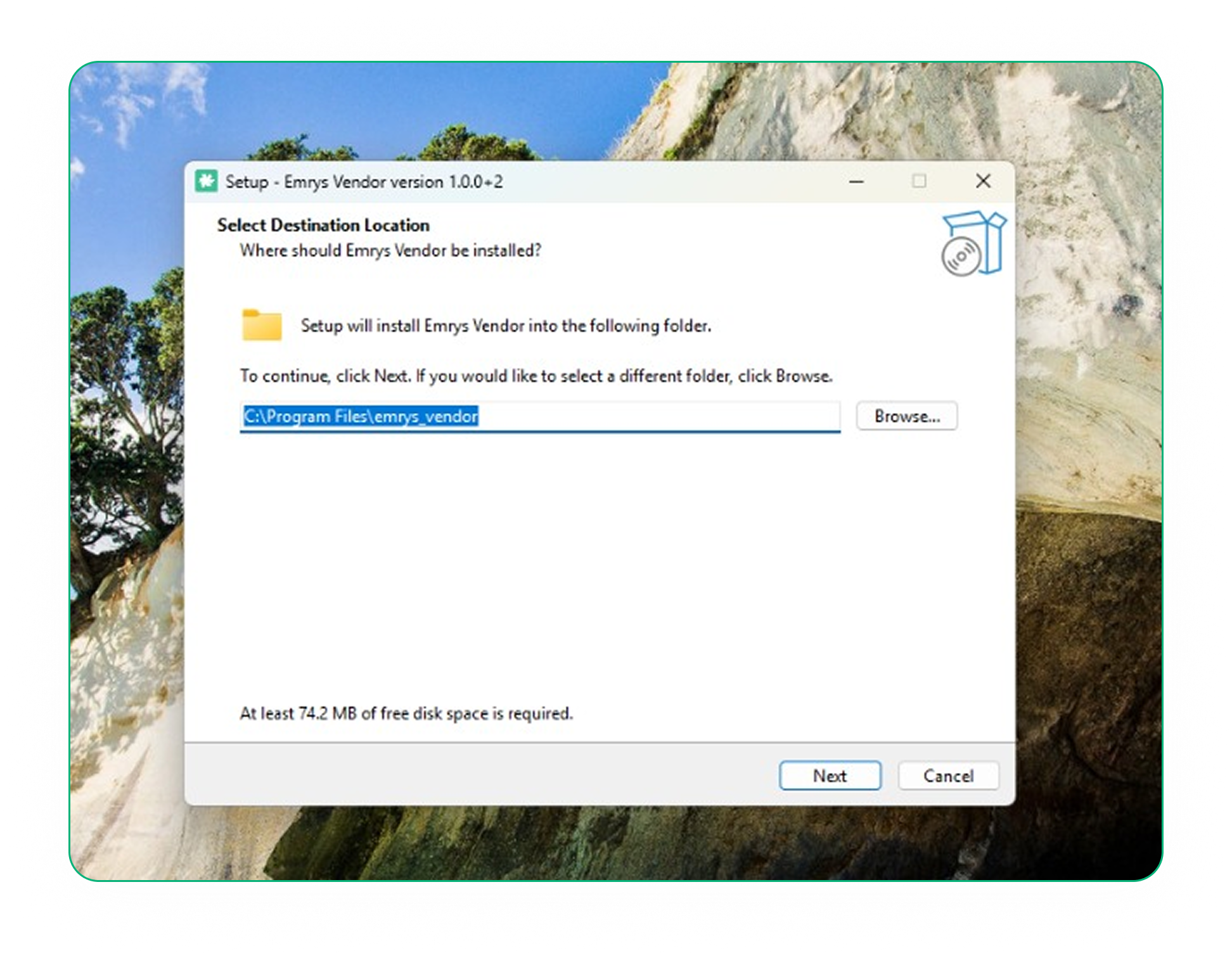
Run the setup wizard
Open the downloaded file and follow the instructions. On Windows, run the .exe; on Mac, drag the app to your Applications folder.
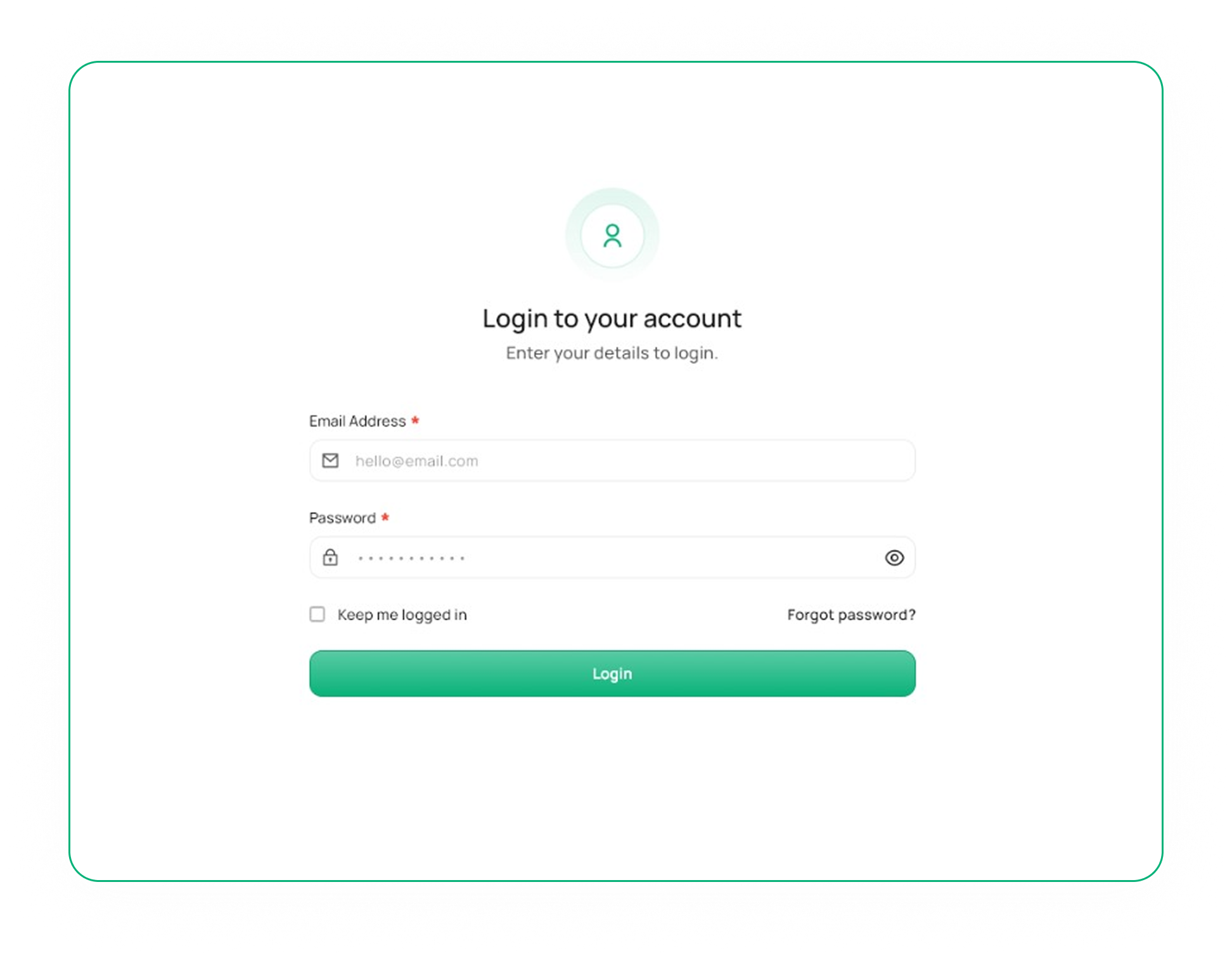
Sign in to your account
Launch the Emrys Vendor POS app and log in with your existing vendor credentials. Your store data will sync instantly.
Download the installer
Choose the version for your operating system and click the download button. The installer will be saved to your computer.
Run the setup wizard
Open the downloaded file and follow the instructions. On Windows, run the .exe; on Mac, drag the app to your Applications folder.
Sign in to your account
Launch the Emrys Vendor POS app and log in with your existing vendor credentials. Your store data will sync instantly.